In the name of God, Most Gracious, Most Merciful.
God willing, we will show you step by step instruction on how to sign up, and create your first blog.
Account creation
All accounts are must be approved. Please contact us at [email protected], please provide an email address (if not specified, we will use the one you sent) that will identify the account.
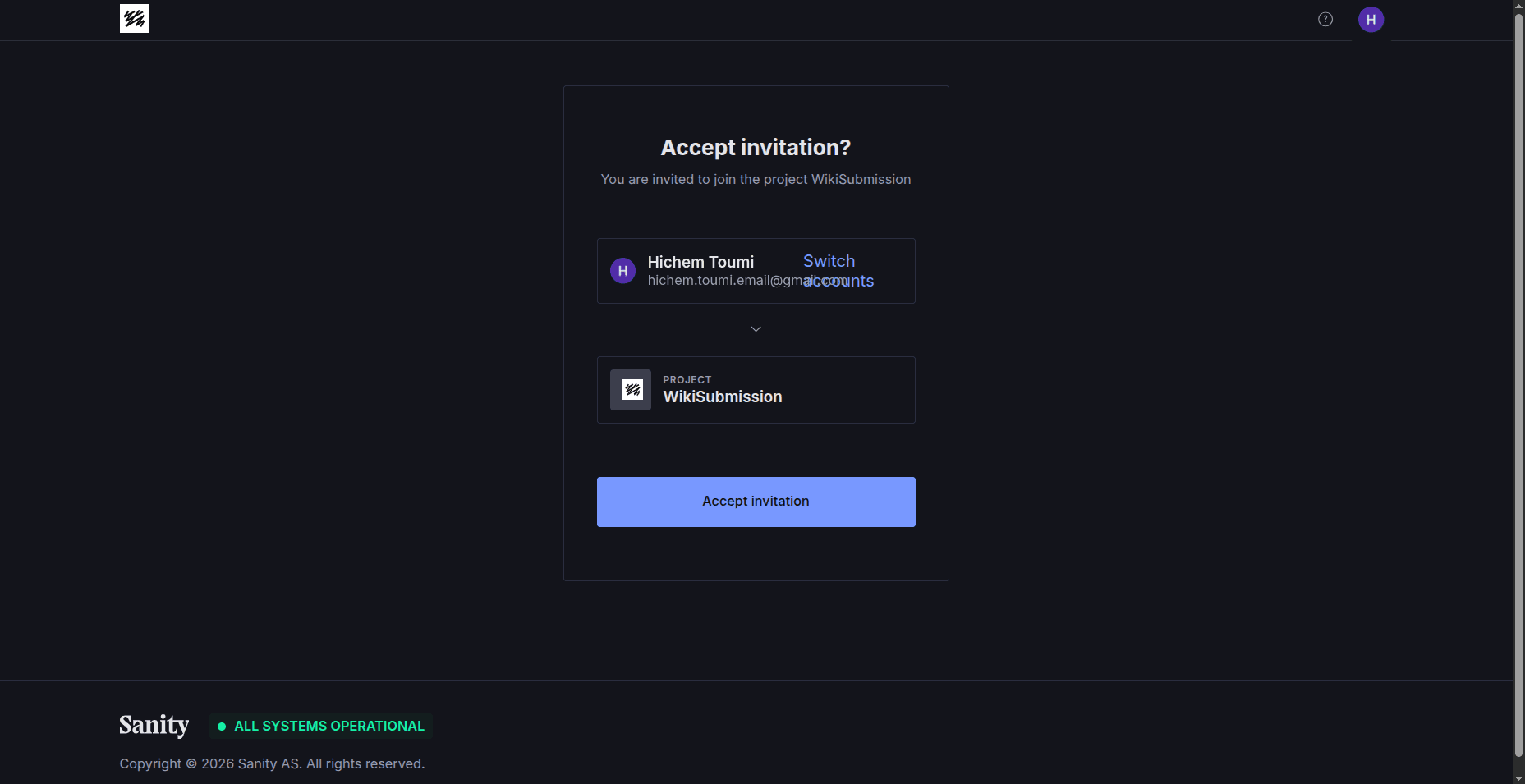
When you’re accepted, an email notification will arrive in your inbox, which will send you to this page:
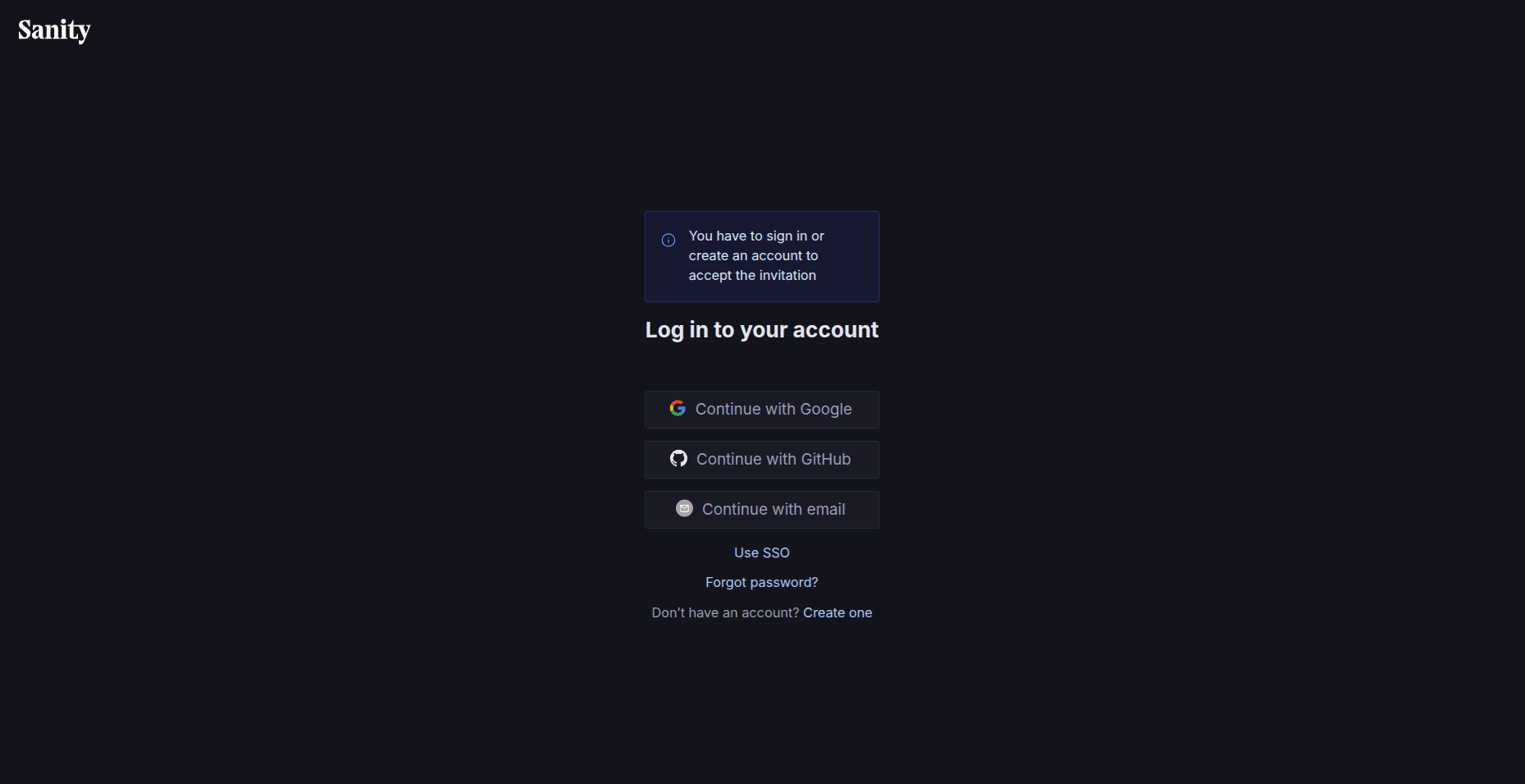
Make sure to login with the same email as the one you provided.
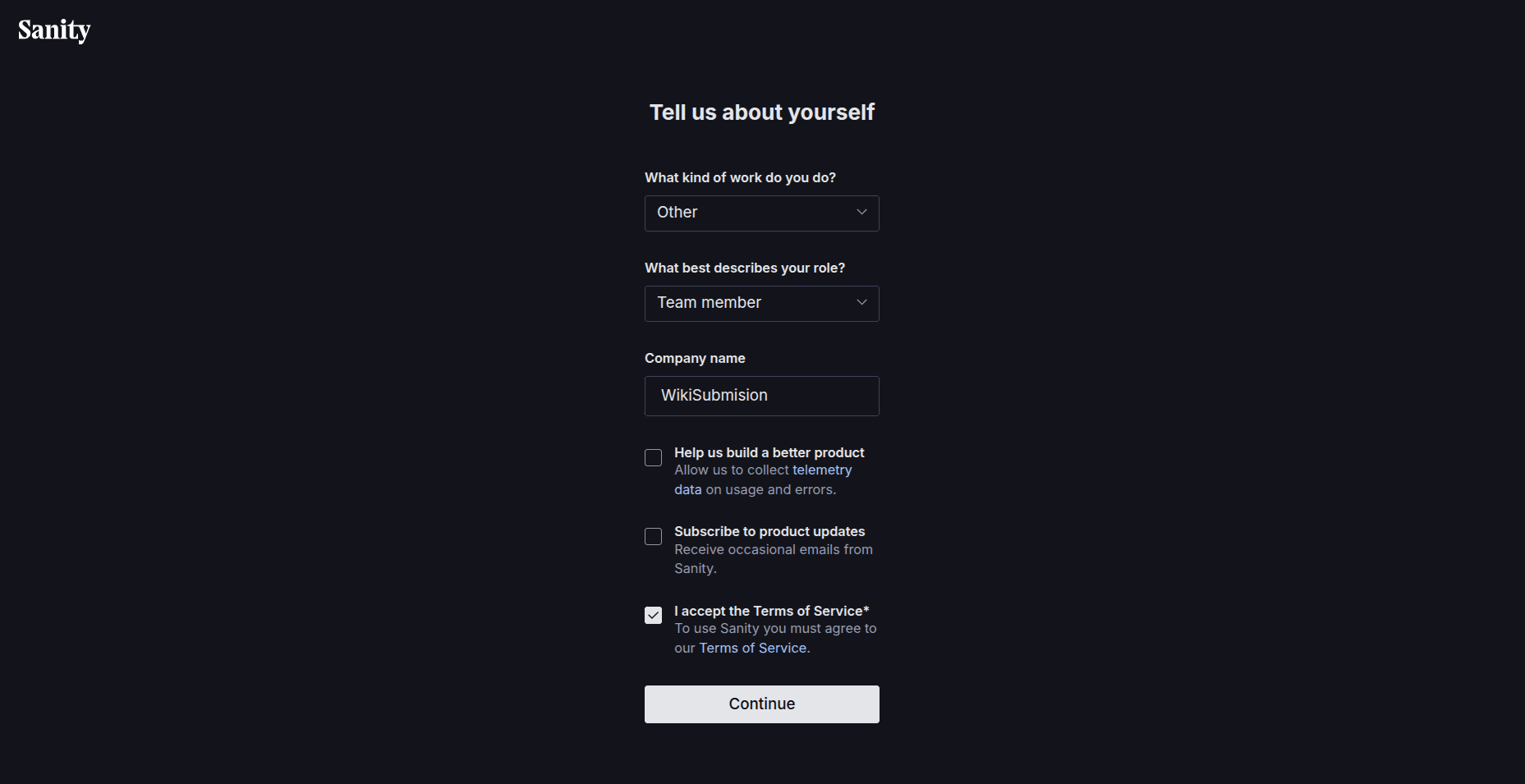
Then you select roles, and accept Terms of Service of Sanity. The Content Management Platform we’re using.
Then you accept the invitation to WikiSubmission’s project.
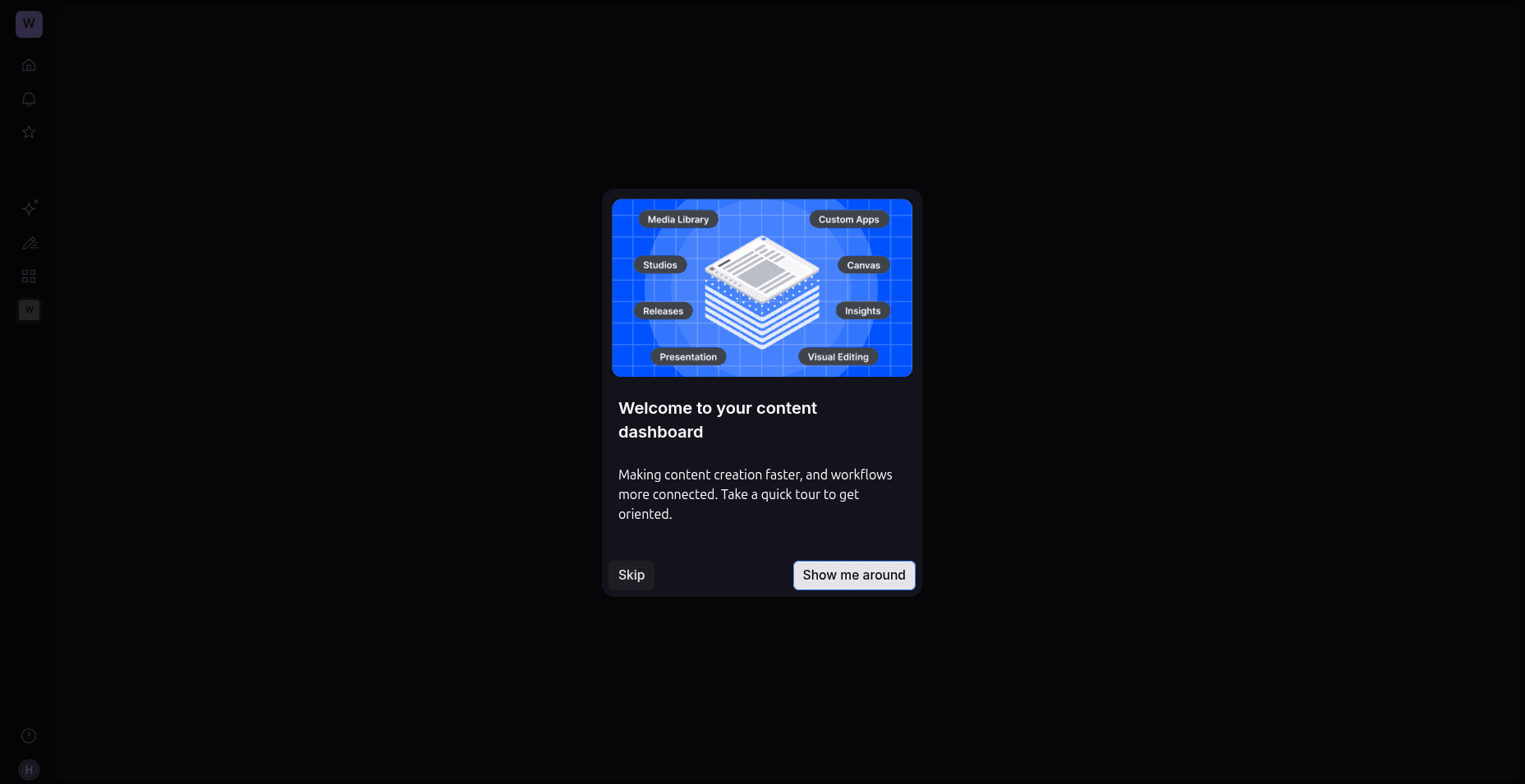
You’re in!
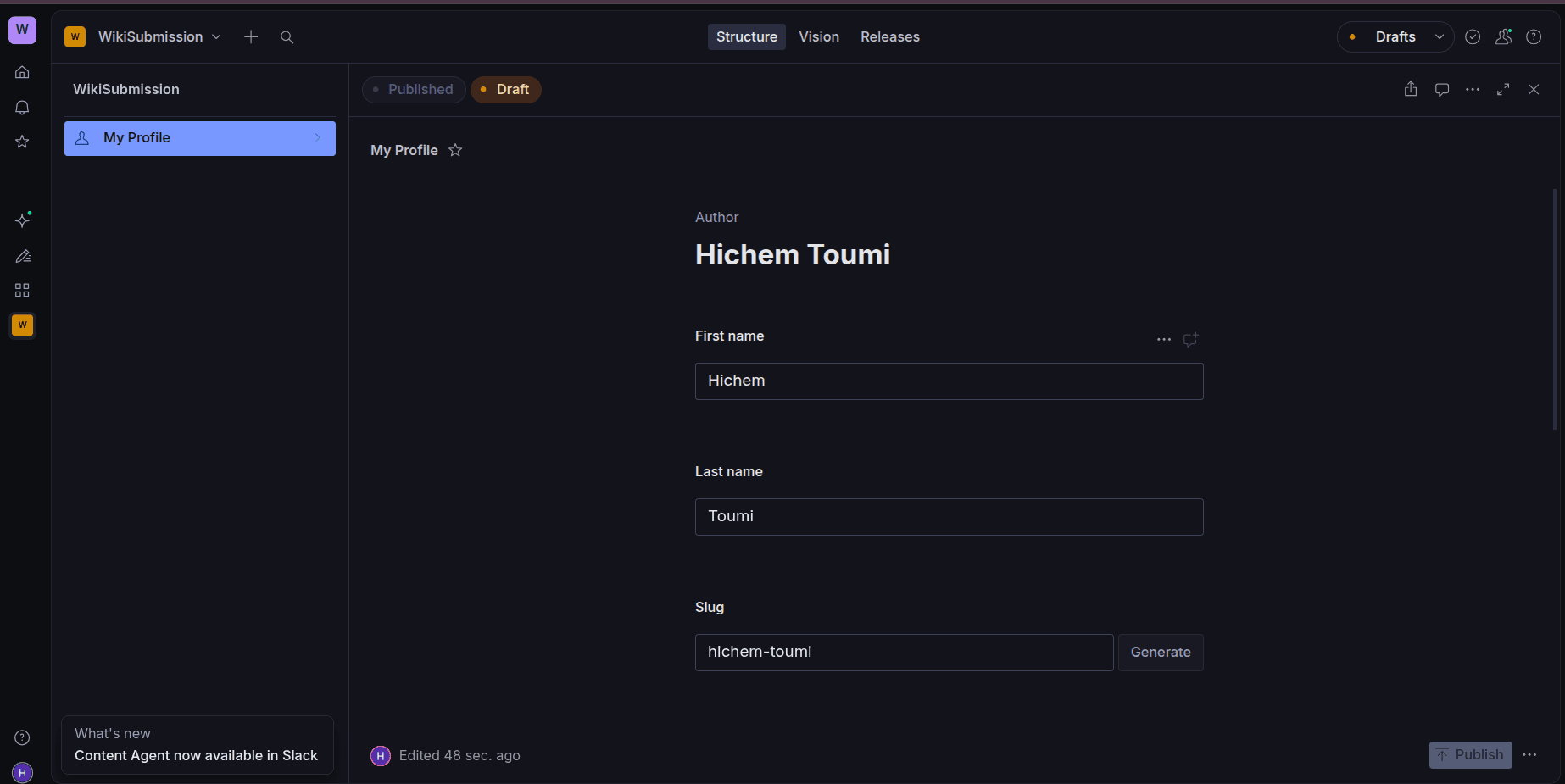
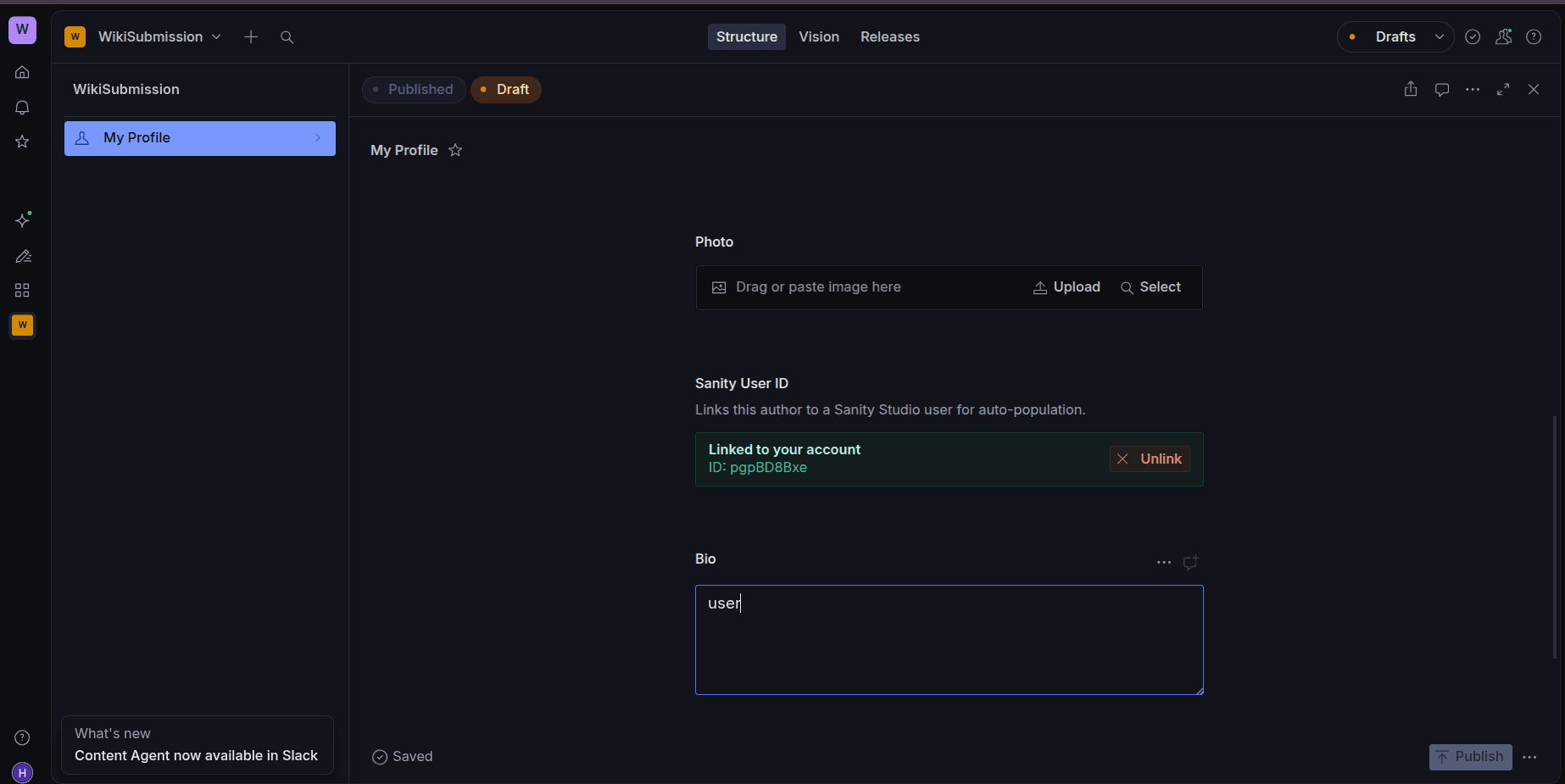
Afterwards, we go to the studio and click on my profile, and fill our data.
Now we wait for moderator approval. Afterwards, the articles section will look like so:
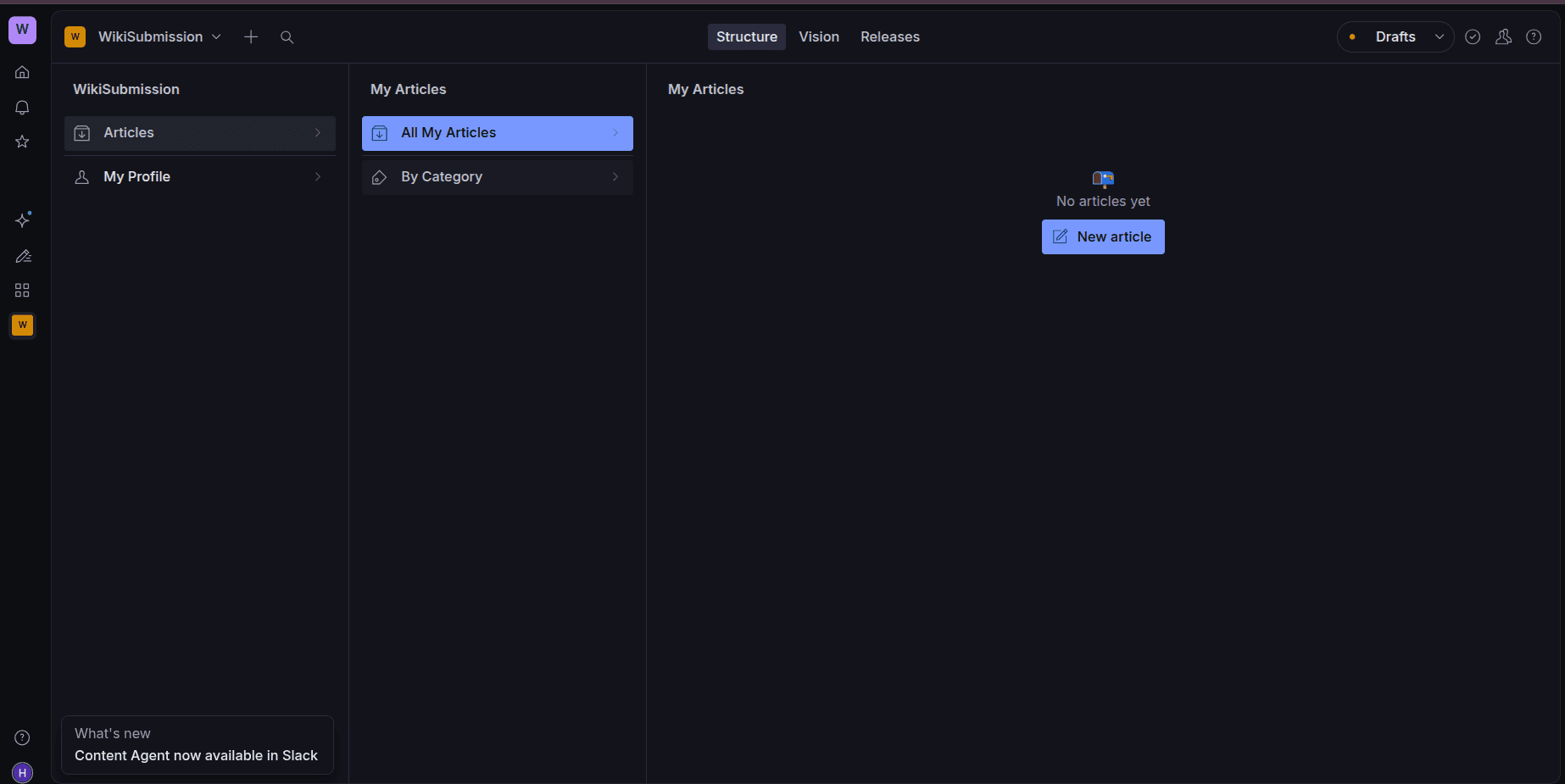
Then create your article
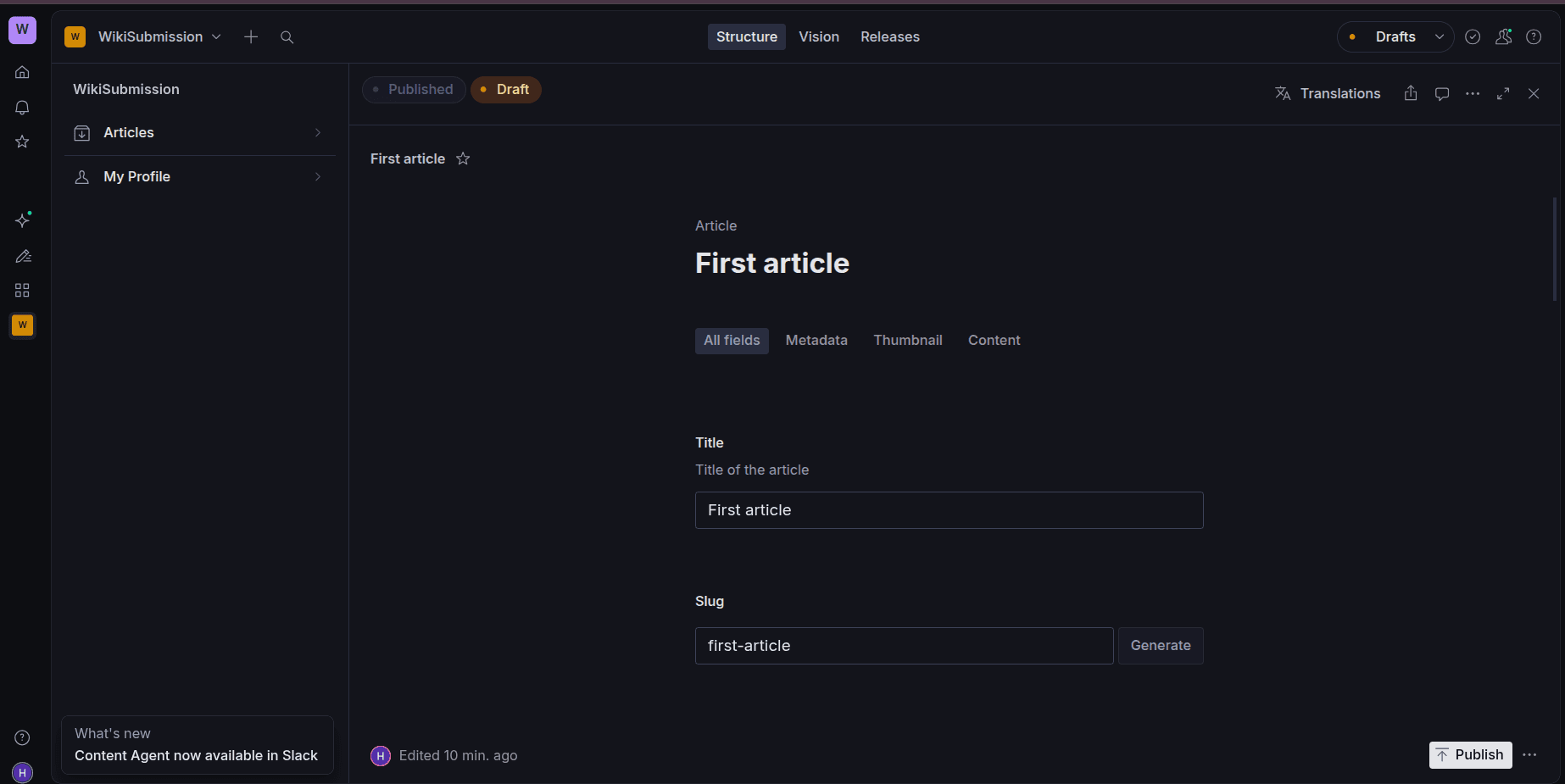
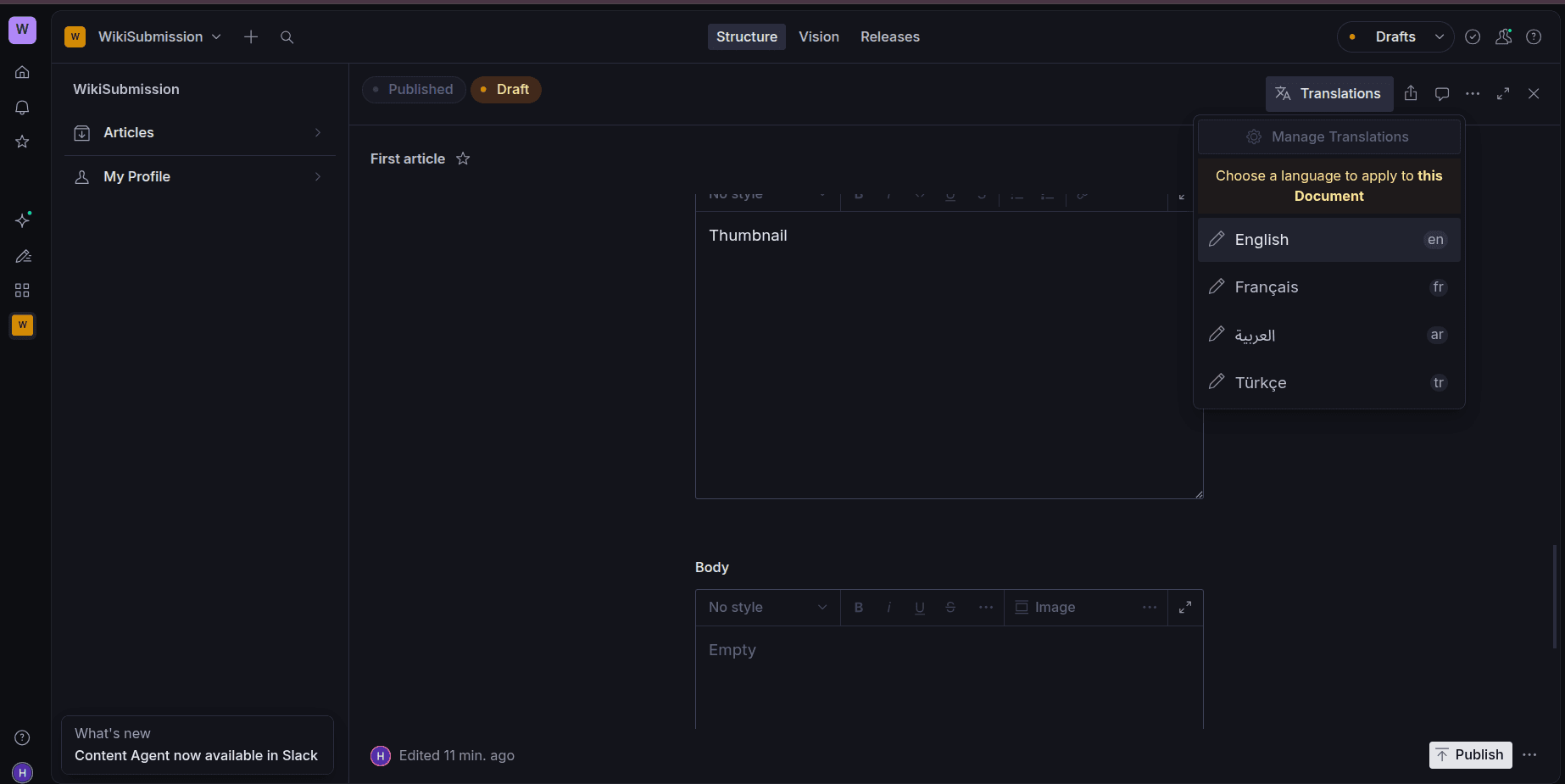
Don’t forget to set the language for your article
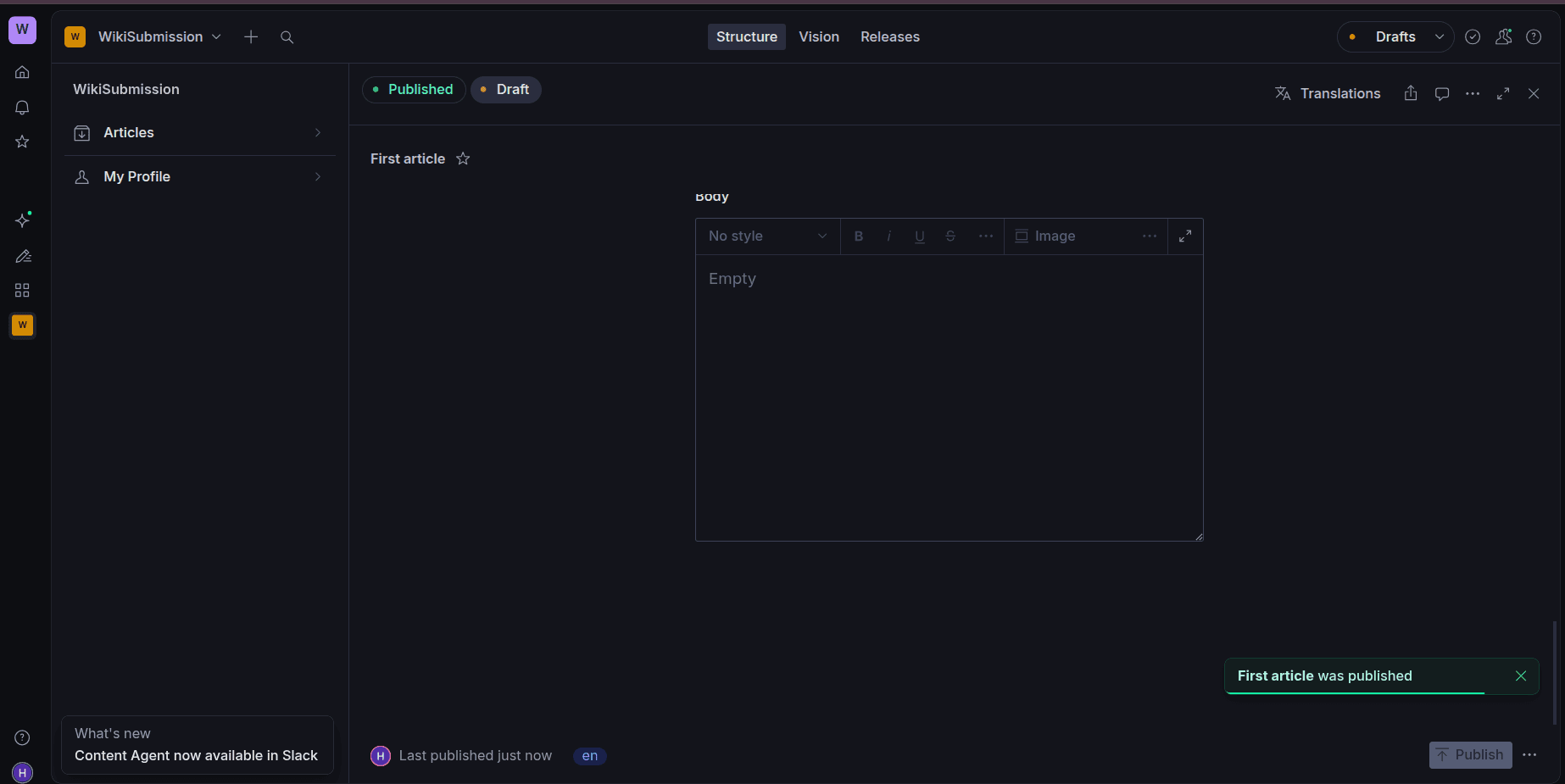
Then click publish